

01
Two panels
Source on the left, target on the right - and each panel keeps several directories open in tabs. Copy, move, pack and compare without opening a second window or reaching for the mouse.

Two panels, function keys along the bottom, a plugin for everything - the working style power users build their habits on, running natively on Windows 11. Born from the open source Open Salamander codebase and written in C++, it now speaks full Unicode, handles long paths, keeps directories open in panel tabs, connects over SFTP, shows source code and Markdown on F3, mirrors your cloud sync status - and ships in a dark theme as well as the light one.
Windows installer · Windows 11 · x64 · free under GPLv2
See it working
The classic light panels are still the default - nothing moved, nothing was reflowed. The dark theme is the same layout with the same information density. Below: the program at work.
Source on the left, target on the right - and each panel keeps several directories open in tabs.
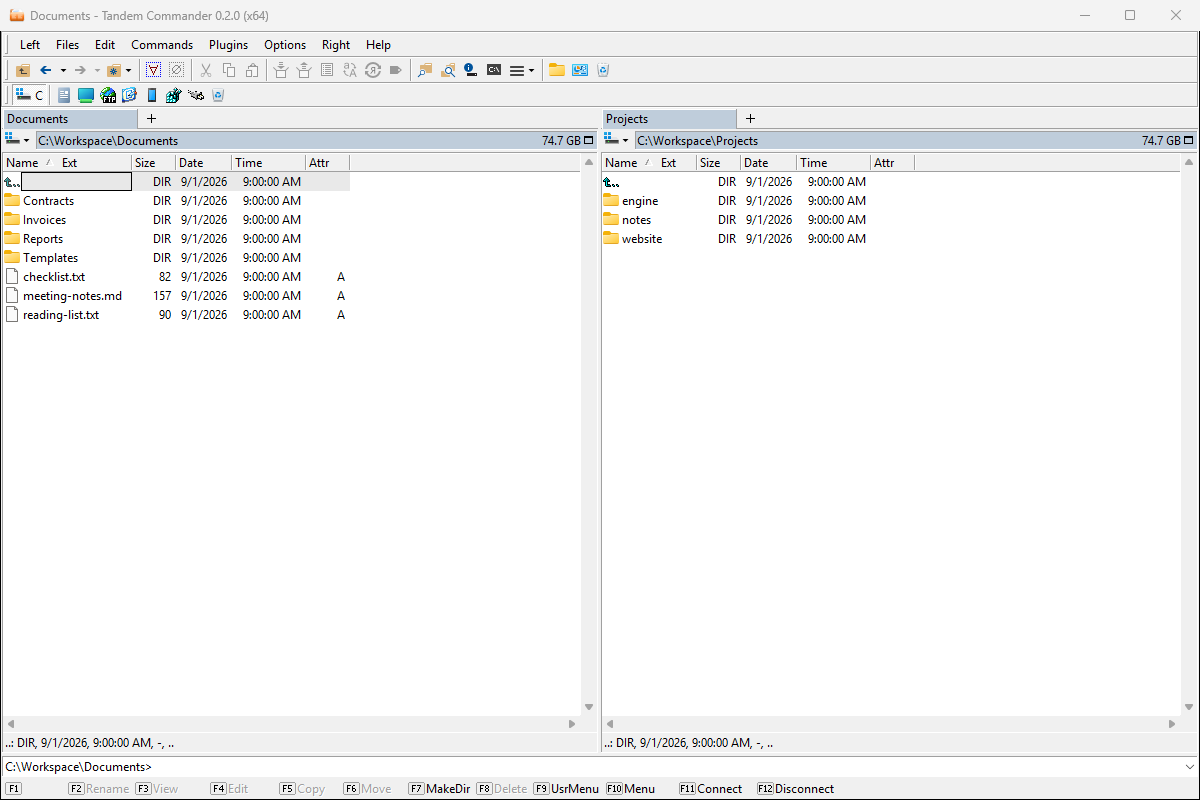
The same layout and the same information density, for the people who stopped enjoying white rectangles at 2 a.m.
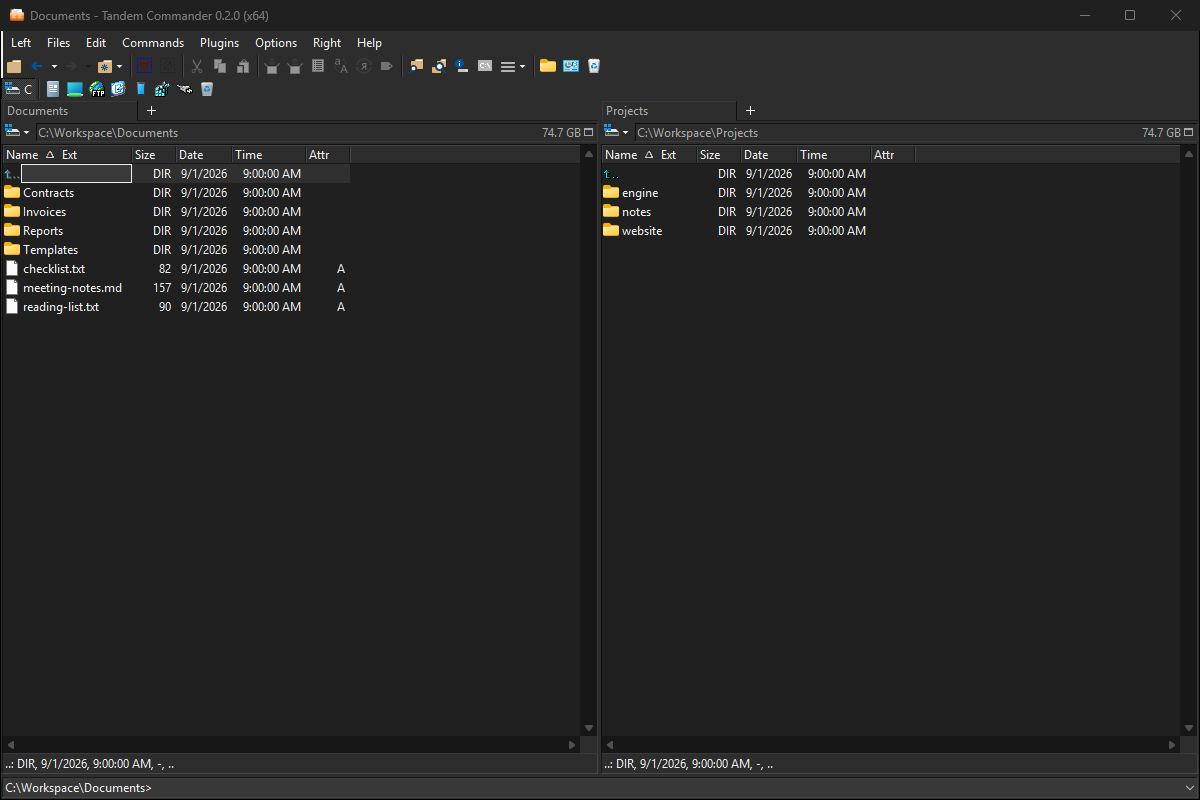
Middle-click a folder to open it in a background tab; each tab keeps its own view, sorting and history.
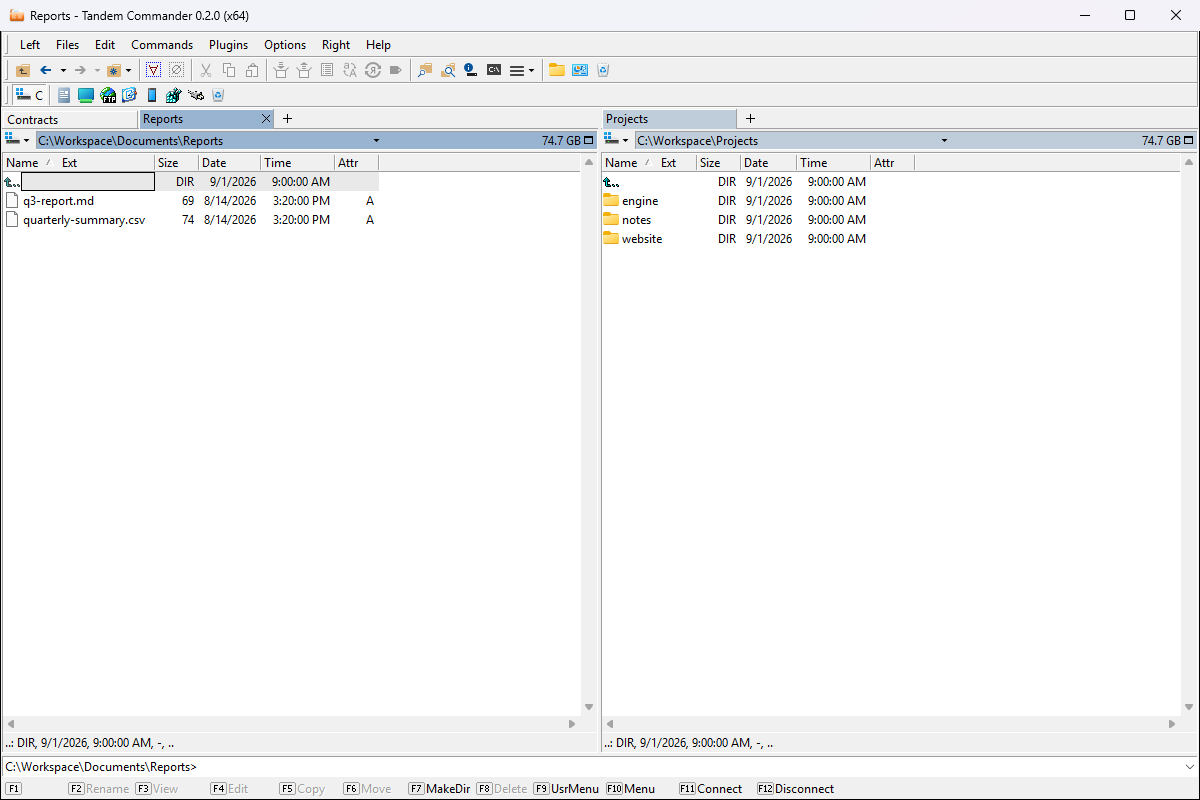
Type part of a name - here "chat" - and the panel keeps only the matching items, lightly tinted, with the number of matches in its directory line.
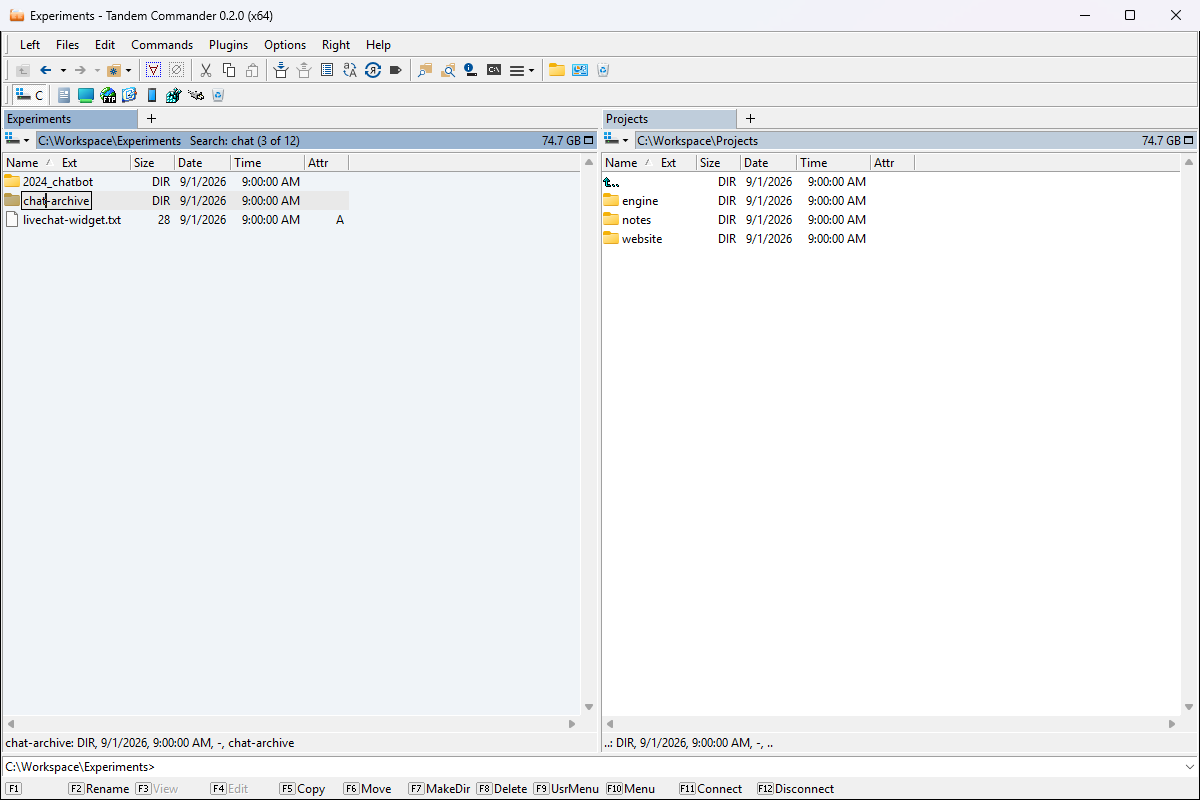
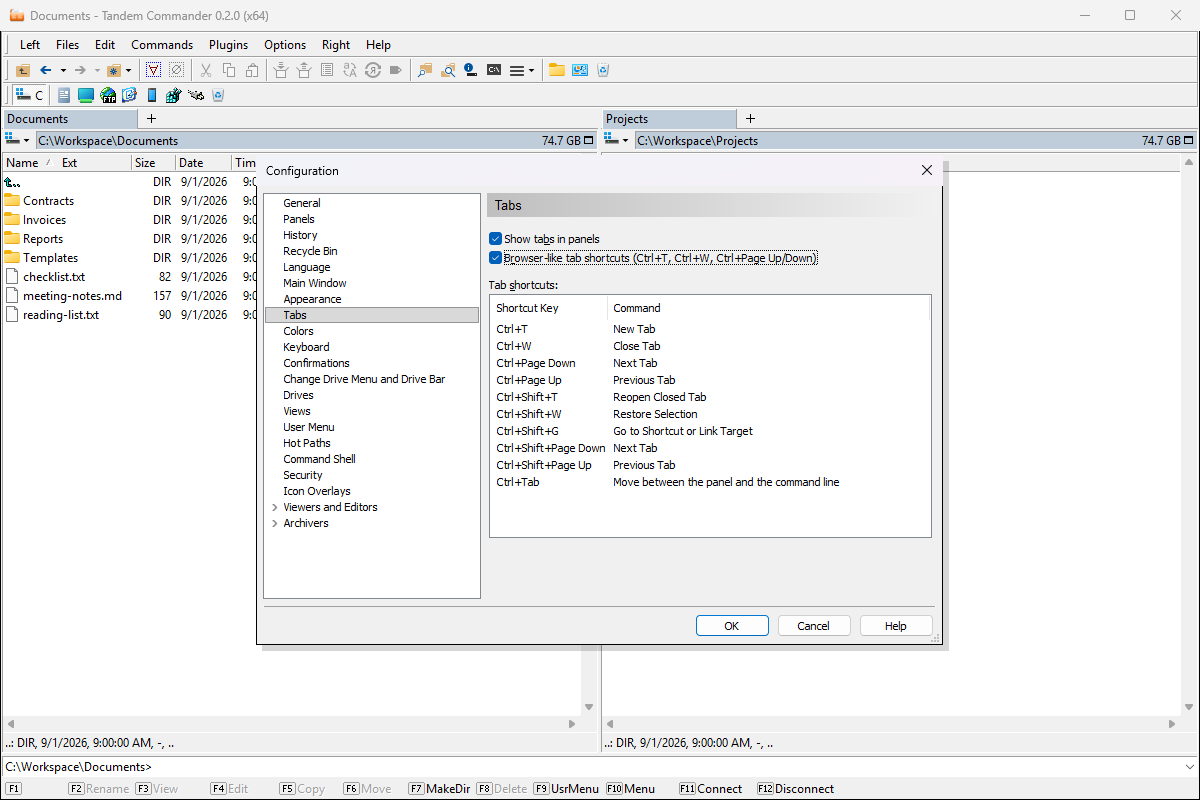
The Tabs page of Configuration: switch on browser-like shortcuts - Ctrl+T, Ctrl+W, Ctrl+Page Down / Up - and see every tab shortcut at a glance.
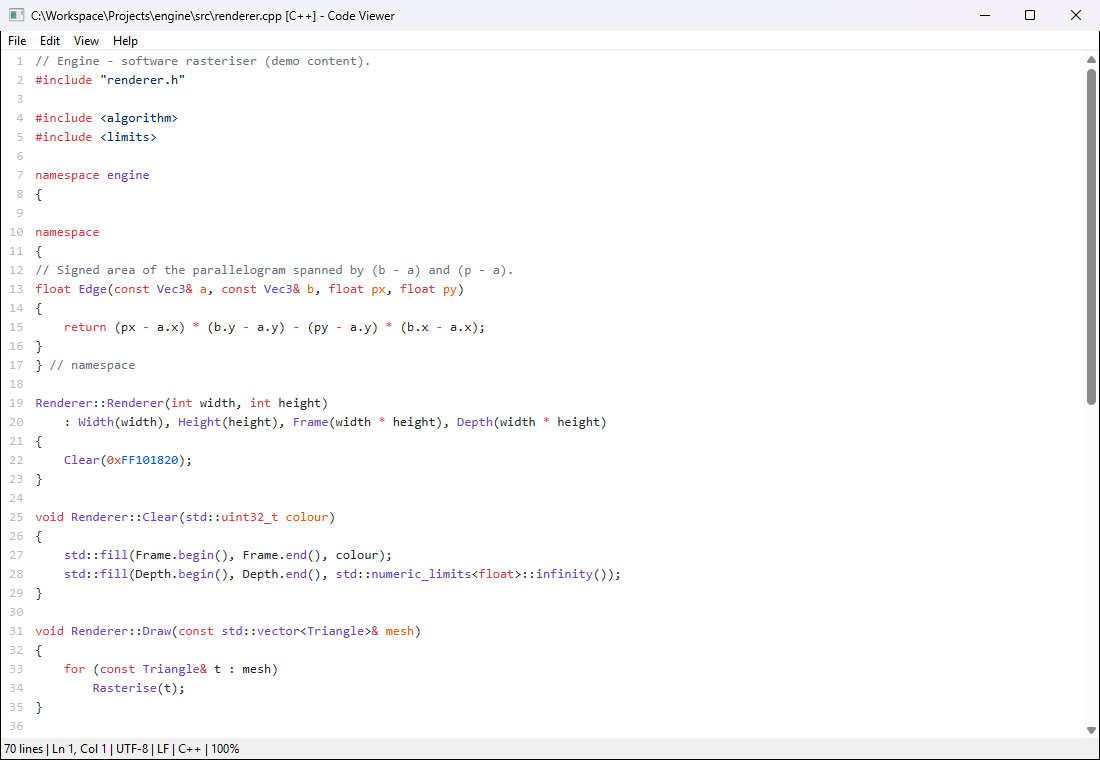
F3 on a source file: syntax highlighting for over 200 formats in twelve colour schemes.
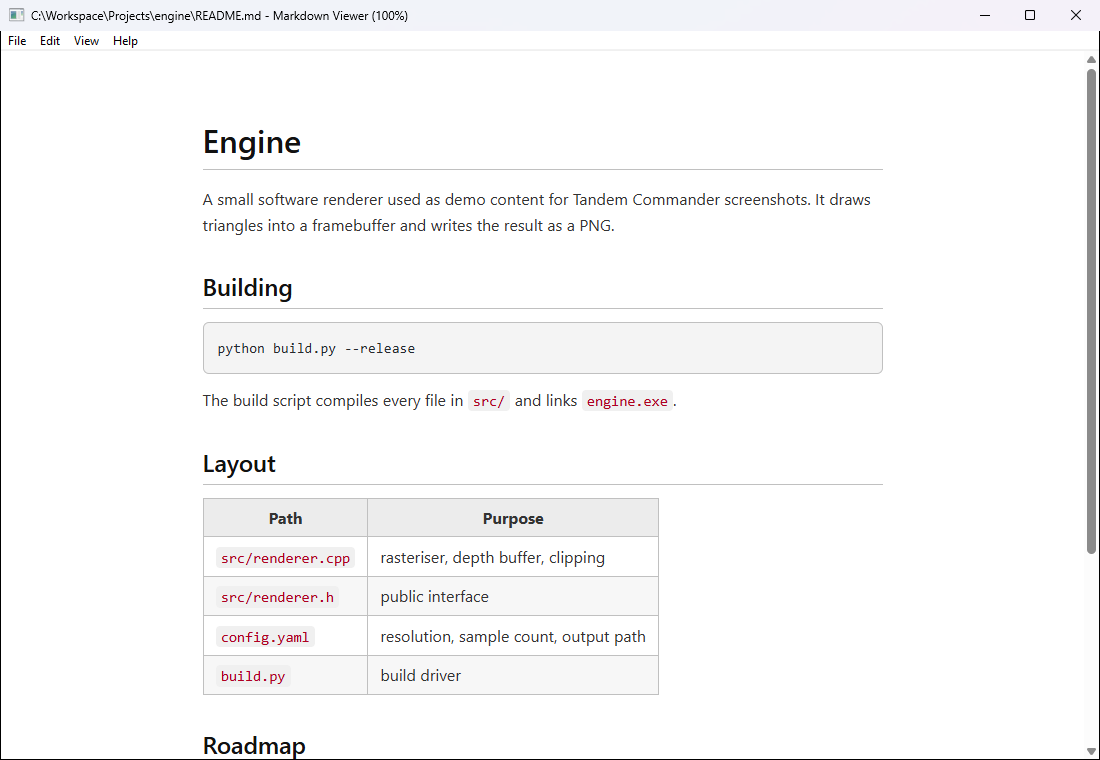
Headings, lists, tables and code blocks instead of raw markup - rendered, scrollable, read-only.
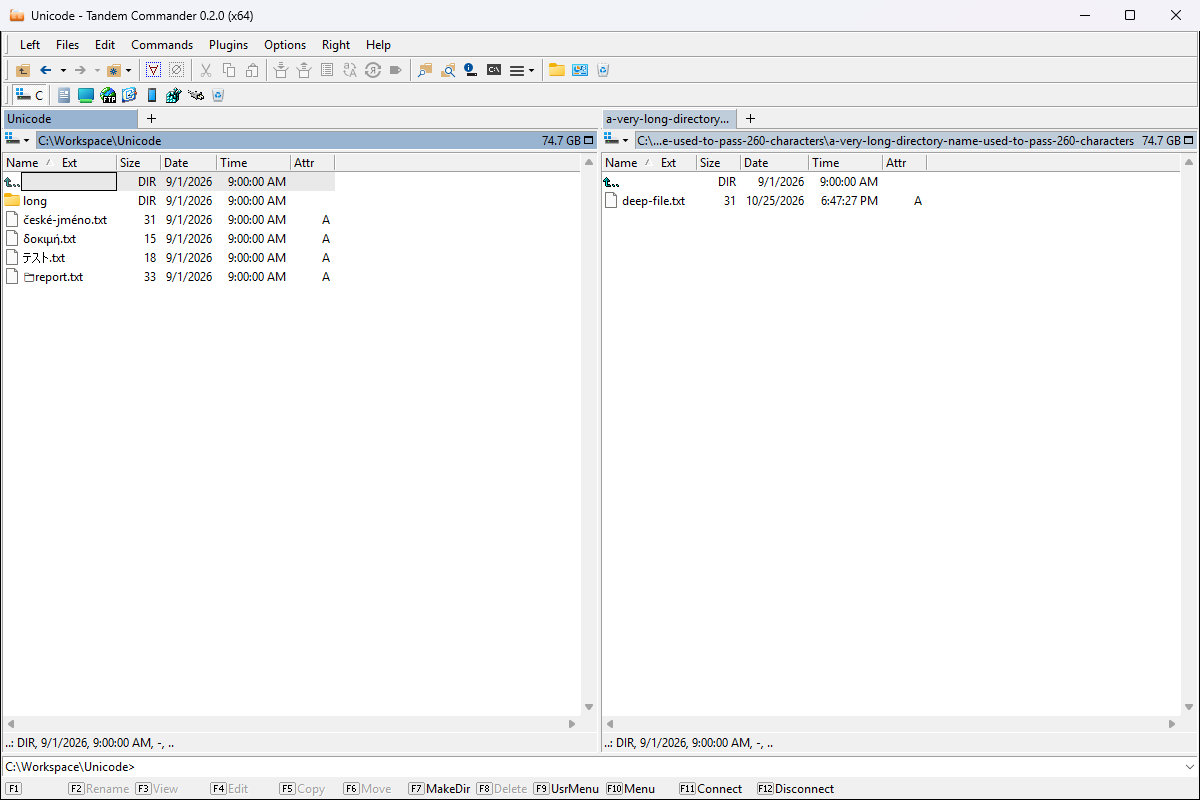
Accented, Greek, Japanese and emoji names, and a path well past the old 260-character limit.
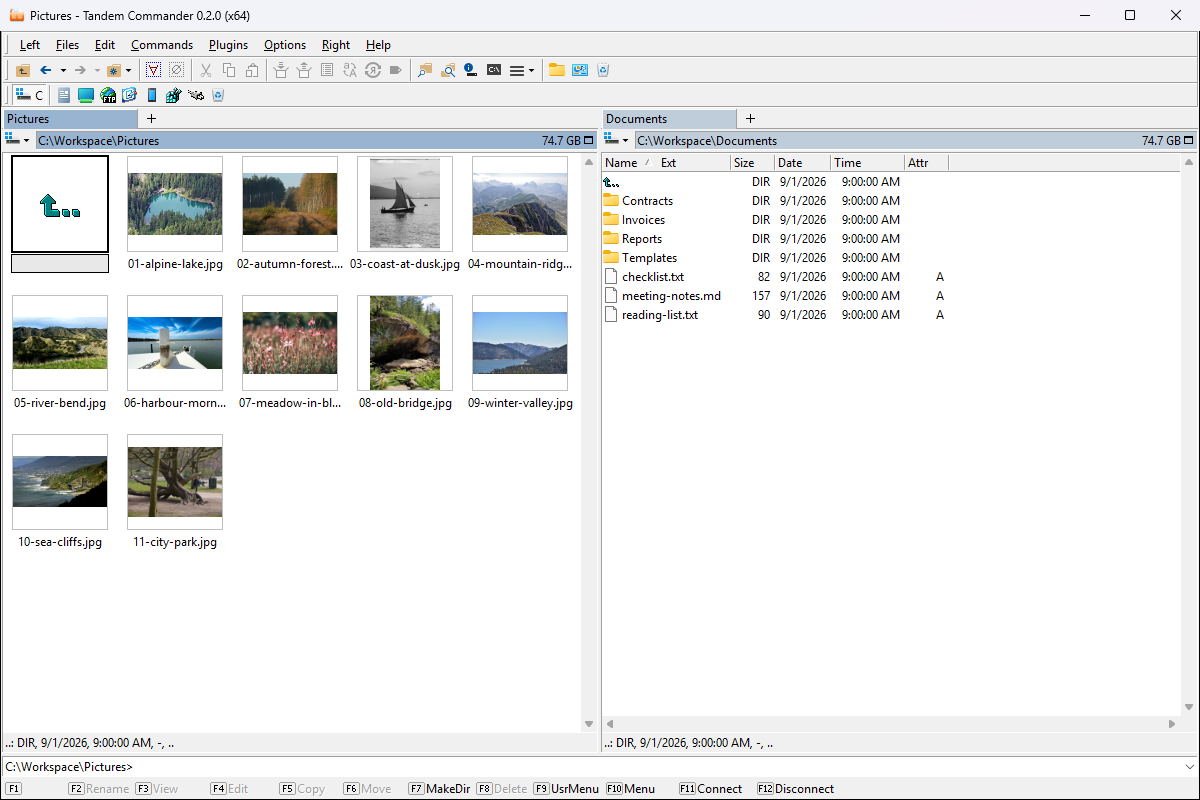
A folder of photographs fills in at once, and pictures taken sideways are shown the right way up.
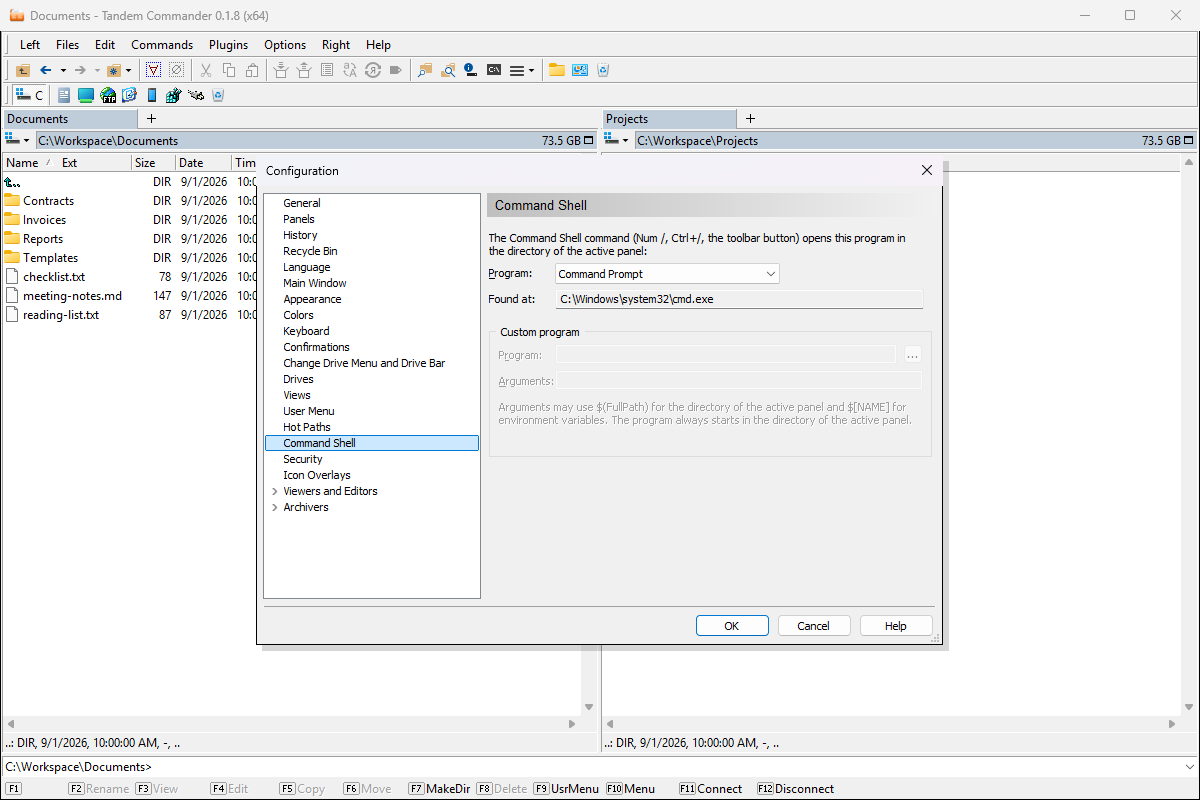
Command Prompt, PowerShell 7, Windows Terminal, Git Bash or any program of your own - on one key.
What it is
A file manager for people who navigate by keyboard and think in two panels.
01
Source on the left, target on the right - and each panel keeps several directories open in tabs. Copy, move, pack and compare without opening a second window or reaching for the mouse.
02
Function keys along the bottom edge, a shortcut for everything, a command line that stays exactly where your hands already are - and a Command Shell key that opens the shell you choose, from PowerShell to Git Bash.
03
tandemcommander.exe is a program with its own identity: own icon, own window titles, own settings - and a modern core built for Windows 11, with full Unicode and long paths throughout.
04
Source and configuration files with syntax highlighting in over 200 formats, rendered Markdown, images, databases and executables - F3 opens the right viewer, Alt+F3 the plain one.
05
A Linux server over SFTP in one panel, your disk in the other. In cloud folders the panels show the same sync badges as Explorer - OneDrive, Google Drive - with TortoiseGit and TortoiseSVN status next to them.
06
Import Settings from Salamander brings your hot paths, FTP connections, user menu, colours and plugin settings over from Altap Salamander or Open Salamander - after a preview, changing nothing without your tick. Install with the signed installer or through winget.
What's new
The current release first, followed by the most recent highlights of the releases before it.
Version 0.2.0 · October 25, 2026
Quick search finds text anywhere in a name and shows only the matches, settings come over from Altap and Open Salamander, and panel tabs get browser-like shortcuts.
0.2.0
Typing chat finds "2024_chatbot": the panel shows only the matches, lightly tinted, with "Search: chat (3 of 120)" in its directory line. Commands act only on what is shown.
See it →0.2.0
Accents are ignored both ways - zlut finds "žluťoučký", strasse finds "Straße". Prefer the previous quick search? It is one option in Configuration ▸ Panels.
0.2.0
Options ▸ Import Settings from Salamander brings hot paths, FTP connections and passwords, the user menu, viewers, colours and plugin settings from Altap or Open Salamander, after a preview.
0.2.0
The old program's settings are only read. Nothing you already have changes without your tick, and a backup of your settings is saved first. The import is also offered once at the first start.
0.2.0
A new Tabs page in Configuration turns on Ctrl+T, Ctrl+W and Ctrl+Page Down / Up. Reopen Closed Tab brings back the last ten tabs closed in a panel.
See it →0.2.0
At the first start your settings are copied to a place that no longer changes with the version; the old ones stay as a backup. Going back to 0.1.x afterwards is not supported.
The project
Tandem Commander grew out of Open Salamander, the classic file manager whose source was opened to the world, and it owes that project everything it started with. Our thanks go to the original Salamander authors and to everyone who kept the code alive after them - a quarter century of careful work by people who cared how a file manager should feel. The core has since gone its own way, but the debt stands.
Tandem Commander is free software, licensed under GPLv2 and later. Individual files and bundled libraries carry different but compatible licenses, and everyone who has contributed to it is credited in AUTHORS.
The rules the project holds itself to - build reproducibility, incremental modernization, a commitment to Windows, and a stable plugin API - are written down in the repository rather than kept in someone's head.
There is one genuinely new thing here. Development follows spec-driven principles: every change starts as a written specification that is clarified, planned and broken into tasks before any code is touched, and the implementation is carried out by agentic coding frameworks. The whole paper trail is committed next to the code, so the repository records not only what changed in this quarter-century-old C++ codebase, but why.
From the author
Whenever I have worked on Windows, there has always been a Salamander close at hand. First Servant Salamander, later Altap Salamander - in my view one of the finest pieces of software I have ever worked with. But the last released version of Altap Salamander dates back to 2019, and it still carries a few aches inherited from the original versions: incomplete encoding support, missing long directory and file path support, and quite a few others. At the same time, many of my friends and family members use Altap Salamander every day, both at work and at home.
The moment Salamander was released as Open Salamander, I had a clear vision: I would adapt it for myself so I could simply keep using it. That vision quickly ran into hard reality - even though I am a very experienced software engineer, developer, and architect, I was missing the one factor a project of this scale demands above all else: time.
That has changed, essentially within the last few months, with the overall shift in how software can now be - not programmed, but created - with agentic systems. To be clear, I am emphatically not talking about "vibe coding"; I consider that a bit of a buzzword and I do not like it. The term I would choose is Full Agentic Spec-Driven Development: clearly defined procedures not just for producing code, but for producing the entire project - documentation and artifacts included. This project is deliberately built with the spec-driven approach on top of GitHub SpecKit, using the frontier models available at the time.
Tandem Commander is, of course, not perfect. But thanks to this approach I ended up with a genuinely usable tool - one that I hope can serve others as well.
None of this would exist without the people who built Servant Salamander, Altap Salamander, and finally Open Salamander. Over a quarter of a century they created and refined a program that countless people - me, my friends, my family - have trusted with their daily work, and it shows in every detail: the speed, the keyboard-first design, the plugin architecture, the sheer care in the code this repository inherited. Their decision to release it under an open-source license was an act of real generosity that gave this remarkable software a second life. Tandem Commander stands entirely on their shoulders, and I hope it honors what they built. To all the original authors and contributors: Thank you.
Pavel Stupka
pavel.stupka@gmail.com
LinkedIn
Version 0.2.0 for Windows 11, x64.
Released October 25, 2026
tandemcommander-0.2.0-x64-setup.exe
Or install with winget
winget install --id PavelStupka.TandemCommander -e
Later updates arrive with winget upgrade --id PavelStupka.TandemCommander -e.
Build from source